
Side Notes About Downloading Torrents
To Get The Torrents To Download Faster
1 Right Click On The File Your Downloading And Go Down To ''Bandwidth Allocation'' Then Click On High.
2. Click On One Of The Files Your Downloading Then Look At The Bottom It Will Say Files, Info, Peers, Ratings, Trackers And Speed. Click On Files, Highlight All The Files You See Then Right Click Then Go Down To ''Priority'' Then Click On High.
Some Files Won't Play?
You Might Not Be Able To Play Some Of The Movies You Download So You'll Need VideoLAN. VideoLAN Is A Video Player That'll Play Video Files Windows Media Player And Quicktime Player Can't Play.
 VideoLAN

The Devil Inside

Resolution 1080p (1920x1080)
Size 2.95 GB
Release Date 16th March 2012


A Thousand Words

Resolution 1080p (1920x800)
Size 1.20 GB
Release Date 9th March 2012

Imagine That

Resolution 720p (1280x544)
Size 1.90 GB
Release Date 14th August 2009
Tower Heist
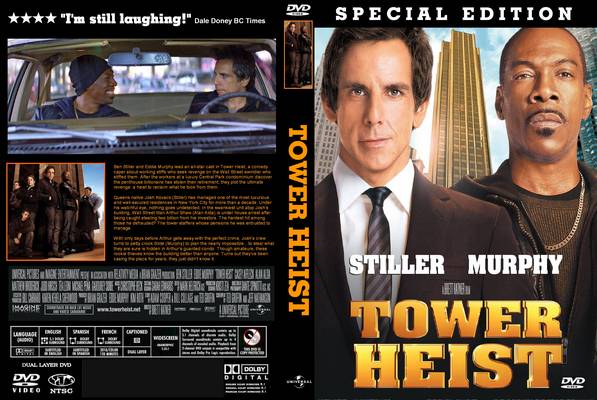
Resolution 1080p (1920x800)
Size 1.29 GB
Release Date 4th November 2011